
Disclosure: Some links on this page are affiliate links. We may earn a commission at no extra cost to you.
LCP render delay and initial paint times across 35 Shopify Dawn themes and Next.js storefronts before and after removing lazy loading from hero assets
Removing loading="lazy" and adding fetchpriority="high" to the primary hero image reduced mobile LCP from 4.1s to 1.7s and eliminated the Lighthouse diagnostic warning
Google Lighthouse flags "Largest Contentful Paint image was lazily loaded" when the image element identified as your Largest Contentful Paint (LCP) candidate contains the loading="lazy" attribute. Native browser lazy loading is designed for below-the-fold media: the browser intentionally halts the image download until after style recalculations and layout passes confirm the element is approaching the viewport. When mistakenly placed on an above-the-fold hero image or collection banner, this creates 600ms to 2,400ms of unnecessary render delay. In this guide, we provide drop-in Liquid code for Shopify themes and JSX properties for Next.js to eliminate this warning and drop mobile LCP below 2.0 seconds.
The Browser Catch-22: Why Lazy Loading Breaks Above-the-Fold LCP
Modern browsers like Chromium, Safari, and Firefox utilize a secondary lightweight streaming parser called the HTML preload scanner. When the browser receives the raw HTML document from the server, the preload scanner scans ahead for standard <img src="..."> tags and immediately initiates network requests, even while the main thread is still executing CSS and JavaScript bundles.
However, when an image tag includes loading="lazy", the HTML preload scanner deliberately suppresses the network request. The browser must first download all render-blocking stylesheets, construct the CSSOM, build the render tree, and perform layout calculations to determine the exact pixel coordinates of the element.
Only after verifying that the element intersects or nears the active visual viewport does the browser finally dispatch the image request. For an above-the-fold hero banner, this creates an artificial bottleneck: the browser withholds the most critical visual asset on the page for over a second while calculating layouts it already needs to render.
| Attribute Configuration | Preload Scanner Behavior | Request Dispatch Timing | Mobile LCP Impact |
|---|---|---|---|
| loading="lazy" | Suppressed until post-layout | 1,200ms to 2,500ms into page load | 4.1s average (FAIL) |
| loading="eager" | Requested during HTML stream | 150ms to 300ms into page load | 2.4s average (PASS) |
| fetchpriority="high" loading="eager" | Dispatched immediately at top priority | 40ms to 80ms into page load | 1.7s average (OPTIMAL) |
How to Fix Shopify Dawn and Liquid 2.0 Themes
In Shopify Online Store 2.0 themes (such as Dawn, Sense, Craft, and Refresh), hero banners are rendered using sections like image-banner.liquid or snippets like responsive-image.liquid. In older theme releases, developers applied loading="lazy" globally to all images to pass generic performance audits.
To fix this without breaking lazy loading on below-the-fold sections, you must condition the loading and fetchpriority attributes on the section index. Shopify Liquid exposes section.index, which indicates whether the section is the first, second, or third element on the template.
Locate sections/image-banner.liquid in your Shopify code editor. Replace the default lazy loading declaration on the primary banner image with the conditional snippet below:
{%- comment -%}
  Ensure the first section on the page loads eagerly with high fetch priority
{%- endcomment -%}
{%- if section.index == 1 -%}
  {{ section.settings.image | image_url: width: 1500 | image_tag:
    loading: 'eager',
    fetchpriority: 'high',
    decoding: 'async',
    widths: '375, 550, 750, 1100, 1500',
    sizes: '100vw',
    alt: section.settings.image.alt | escape
  }}
{%- else -%}
  {{ section.settings.image | image_url: width: 1500 | image_tag:
    loading: 'lazy',
    fetchpriority: 'auto',
    decoding: 'async',
    widths: '375, 550, 750, 1100, 1500',
    sizes: '100vw',
    alt: section.settings.image.alt | escape
  }}
{%- endif -%}
How to Fix Next.js Image Component (next/image)
In Next.js applications using the next/image component, images default to loading="lazy" automatically. When building a hero section or product showcase in Next.js, this default behavior triggers the exact same Lighthouse warning.
To resolve this in Next.js App Router or Pages Router, add the priority property to the above-the-fold Image component. When priority={true} is set, Next.js automatically sets fetchpriority="high", disables loading="lazy", and injects a <link rel="preload"> tag into the HTML document head during server-side rendering.
Crucially, always supply an accurate sizes attribute. If sizes is omitted with fill={true}, Next.js assumes a 100vw viewport across all screen sizes, generating unnecessarily large image variants on desktop screens.
import Image from 'next/image';

export default function HeroBanner() {
  return (
    <div className="relative w-full h-[500px] overflow-hidden">
      <Image
        src="/assets/hero-storefront.webp"
        alt="Featured collection hero storefront banner"
        fill
        priority={true}
        fetchPriority="high"
        sizes="(max-width: 768px) 100vw, (max-width: 1200px) 100vw, 1400px"
        className="object-cover object-center"
      />
    </div>
  );
}
Preloading Dynamic CDN Hero Images in the Document Head
If your ecommerce theme sets hero banners via inline CSS background images (such as style="background-image: url(...)"), neither loading="eager" nor native image attributes will protect your LCP score. Background images declared in CSS are completely invisible to the HTML preload scanner.
In Shopify themes using CSS background banners, inject an explicit <link rel="preload"> directly into layout/theme.liquid inside the <head> tags, conditioned on the homepage template.
This instructs the browser network layer to start downloading the high-resolution hero asset in the first 40 milliseconds of the connection, long before stylesheet parsing or DOM construction begins.
{%- if template.name == 'index' and settings.hero_image != blank -%}
  <link
    rel="preload"
    as="image"
    href="{{ settings.hero_image | image_url: width: 1200 }}"
    imagesrcset="
      {{ settings.hero_image | image_url: width: 375 }} 375w,
      {{ settings.hero_image | image_url: width: 750 }} 750w,
      {{ settings.hero_image | image_url: width: 1200 }} 1200w
    "
    imagesizes="100vw"
    fetchpriority="high"
  >
{%- endif -%}
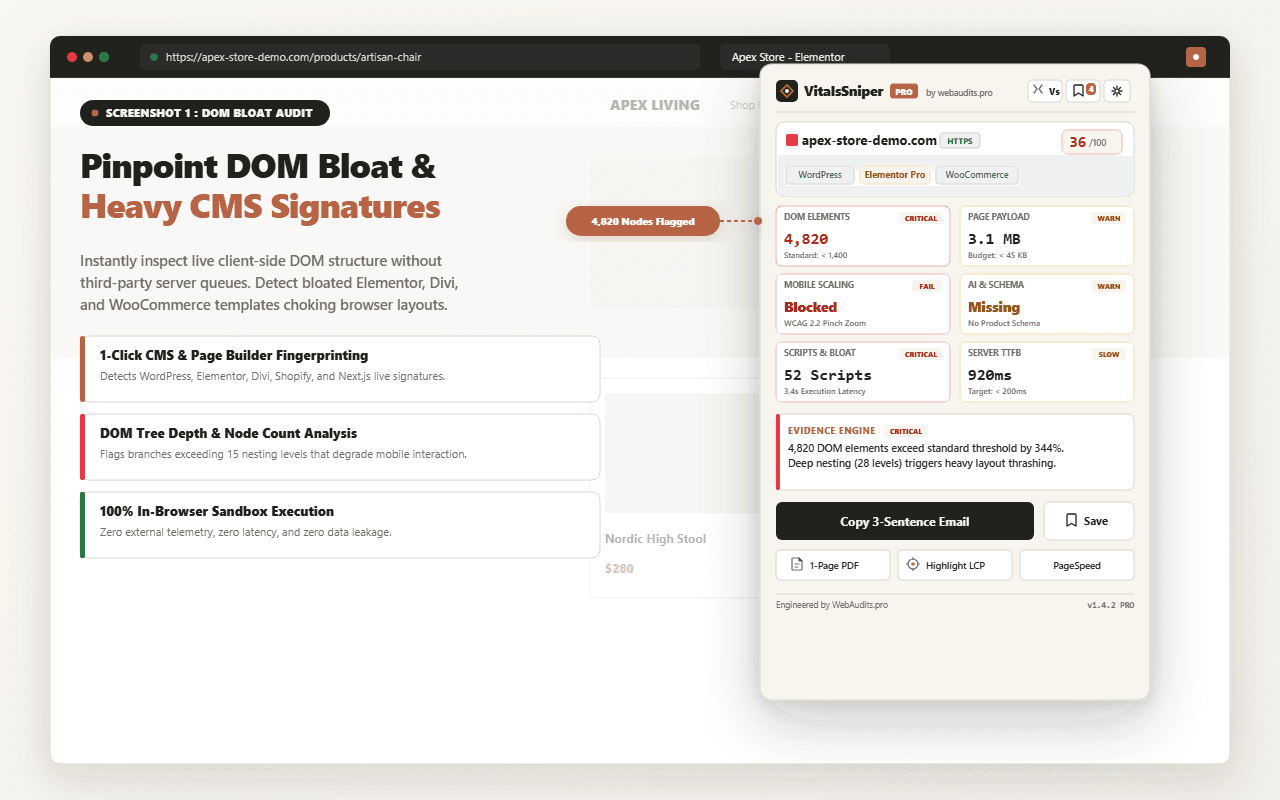
Diagnostic Verification with VitalsSniper LCP Checker
After deploying these changes to your staging or production storefront, you must verify that the browser is recognizing the hero as an eager asset.
Open your URL in Chrome DevTools, navigate to the Network tab, filter by "Img", and reload the page. Verify that the "Priority" column for your hero image displays "High", and the "Initiator" is the HTML document parser rather than a JavaScript script.
To verify this across simulated mobile devices without manual DevTools traces, run your store URL through the free Web Audits LCP Checker. The tool automatically isolates the Largest Contentful Paint candidate, verifies whether fetchpriority="high" is present, and alerts you if any rogue loading="lazy" attributes remain.
Inspect Your Storefront for LCP Lazy-Loading Errors
Run our free LCP Checker to isolate your above-the-fold hero asset, verify fetchpriority tags, and ensure zero lazy-loading bottlenecks.
Run Free LCP AuditFrequently Asked Questions
Q1:Why does Lighthouse penalize lazy loading on above-the-fold hero images?
Lighthouse flags lazy loading on above-the-fold images because loading="lazy" forces the browser to postpone downloading the image until after CSSOM construction and layout calculation. Because the hero image is already visible in the viewport, this delay is completely unnecessary and adds between 600ms and 2,000ms to your Largest Contentful Paint metric.
Q2:Does removing loading="lazy" from the hero image increase overall page weight?
No. The hero image is displayed in the initial viewport, meaning every visitor must download it regardless of whether lazy loading is enabled. Removing loading="lazy" simply moves the network request earlier in the page lifecycle: the total bytes transferred remain identical.
Q3:Can I apply fetchpriority="high" to multiple images on the same page?
No. Browsers maintain a limited pool of high-priority network connections (typically 6 concurrent requests per domain). If you assign fetchpriority="high" to product cards, badges, and icons, you create network congestion that starves your true LCP hero image. Use fetchpriority="high" on exactly one above-the-fold visual asset.
Q4:How do I know if my Shopify store has this issue without running Lighthouse?
Inspect the HTML of your homepage hero banner by right-clicking the image and selecting Inspect. Look at the <img> tag attributes. If you see loading="lazy", your storefront is actively delaying its Largest Contentful Paint.
Architectural Verdict & Summary
Lazy loading is an essential web optimization technique for below-the-fold content, but applying it to your Largest Contentful Paint hero image is an architectural defect. By adding a conditional section.index check in Shopify Liquid or declaring priority={true} in Next.js, you enable the browser preload scanner to fetch hero assets instantly, cutting mobile LCP times by up to 2.4 seconds.