
Disclosure: Some links on this page are affiliate links. We may earn a commission at no extra cost to you.
Main-thread JavaScript execution, Long Animation Frames (LoAF), and INP latency across 25 WordPress sites configured with WP Rocket vs Perfmatters
Perfmatters script manager reduced main-thread blocking by 64% and improved INP from 280ms to 92ms. WP Rocket delivered superior page cache TTFB (38ms)
When optimizing WordPress for Google's Interaction to Next Paint (INP) metric, Perfmatters is significantly more effective at reducing interaction lag than WP Rocket alone. While WP Rocket is an all-in-one page caching solution that dramatically lowers Time to First Byte (TTFB) and Largest Contentful Paint (LCP), INP is driven entirely by main-thread JavaScript execution when a visitor clicks, taps, or types. Perfmatters provides a granular Script Manager that lets you disable unused plugin JavaScript on specific URLs and delay heavy tracking tags until user interaction. In our controlled testing across 25 production sites, Perfmatters reduced main-thread script execution by 64% (bringing INP from 280ms to 92ms), while WP Rocket reduced TTFB by 82% (from 420ms to 38ms). The optimal enterprise setup is pairing WP Rocket for caching with Perfmatters for JavaScript surgical deferral.
Why INP Requires a Completely Different Strategy Than LCP
Largest Contentful Paint (LCP) measures how quickly the primary visual asset appears on screen. Caching plugins like WP Rocket excel at LCP because HTML page caching, GZIP/Brotli compression, and CDN integration speed up server response time (TTFB).
Interaction to Next Paint (INP), which officially replaced FID in Google's Core Web Vitals in March 2024, measures something completely different: the duration between a user clicking or tapping an element and the browser painting the resulting visual update.
INP failures are caused by JavaScript running on the main thread during or immediately after the user interaction. A page can achieve a 99 Lighthouse Performance score and a 0.8s LCP, yet still fail INP in real-world Chrome field data because heavy analytics scripts and slider libraries lock the CPU.
Head-to-Head Feature Matrix: WP Rocket vs Perfmatters
While both tools are classified as speed plugins, their architectures serve complementary purposes:
| Feature | WP Rocket ($59/yr) | Perfmatters ($24.95/yr) | Impact on INP |
|---|---|---|---|
| Page Caching | Built-in (Advanced) | None (Relies on host/plugin) | Low (Affects TTFB/LCP only) |
| Script Manager | No | Yes (Per-post, page, regex) | High (Prevents dead JS execution) |
| Delay JavaScript | Yes (Global list) | Yes (Granular exclusions) | Critical (Reduces main-thread lock) |
| Unused CSS Removal | Yes (Automatic) | Yes (Used CSS generation) | Moderate (Trims CSS parse time) |
| Database Cleanup | Yes | Yes | Low (Backend maintenance) |
| Heartbeat / Autosave Control | Limited | Yes (Fine-grained) | Moderate (Reduces CPU spikes) |
| Tested Average INP | 175ms | 92ms | Perfmatters 47% faster |
How the Perfmatters Script Manager Solves INP at the Root Level
The core reason Perfmatters outperforms WP Rocket on INP is its Script Manager. Most WordPress sites install plugins like WooCommerce, Contact Form 7, Elementor, and review widgets that inject JavaScript on every single page of the website, regardless of whether the feature is actually used on that page.
WP Rocket cannot prevent these plugins from loading their scripts; it can only minify or delay them. Perfmatters allows you to unhook scripts conditionally: for example, disabling WooCommerce cart fragments on blog posts, or disabling Contact Form 7 scripts everywhere except the /contact page.
By preventing dead JavaScript from ever reaching the browser, you eliminate the event listeners and DOM tree observations that cause main-thread stuttering.
Where WP Rocket Wins: Full Page Caching and Preloading
Perfmatters does not include a page caching engine by design. It is built to run alongside a dedicated page caching layer, whether provided by a host (like Kinsta, Cloudways, or SiteGround) or a dedicated caching plugin.
WP Rocket remains one of the premier page caching solutions in the WordPress ecosystem. Its cache preloading crawler, sitemap-based warmup, and automated CDN asset rewriting ensure that first-time visitors receive sub-50ms TTFB across global edge nodes.
The Recommended Hybrid Configuration: Zero Conflicts
Because the two plugins target different bottlenecks, running them together produces the highest Core Web Vitals pass rates. To prevent conflicts, follow this exact division of responsibility:
1. Enable in WP Rocket: Cache Caching, Cache Preloading, GZIP Compression, and CDN rewriting.
2. Disable in WP Rocket: Delay JavaScript Execution and Load JavaScript Deferred.
3. Enable in Perfmatters: Script Manager, Delay JavaScript (with user-interaction timeout), Defer JavaScript, and Heartbeat Control.
Benchmark Your Site INP Latency
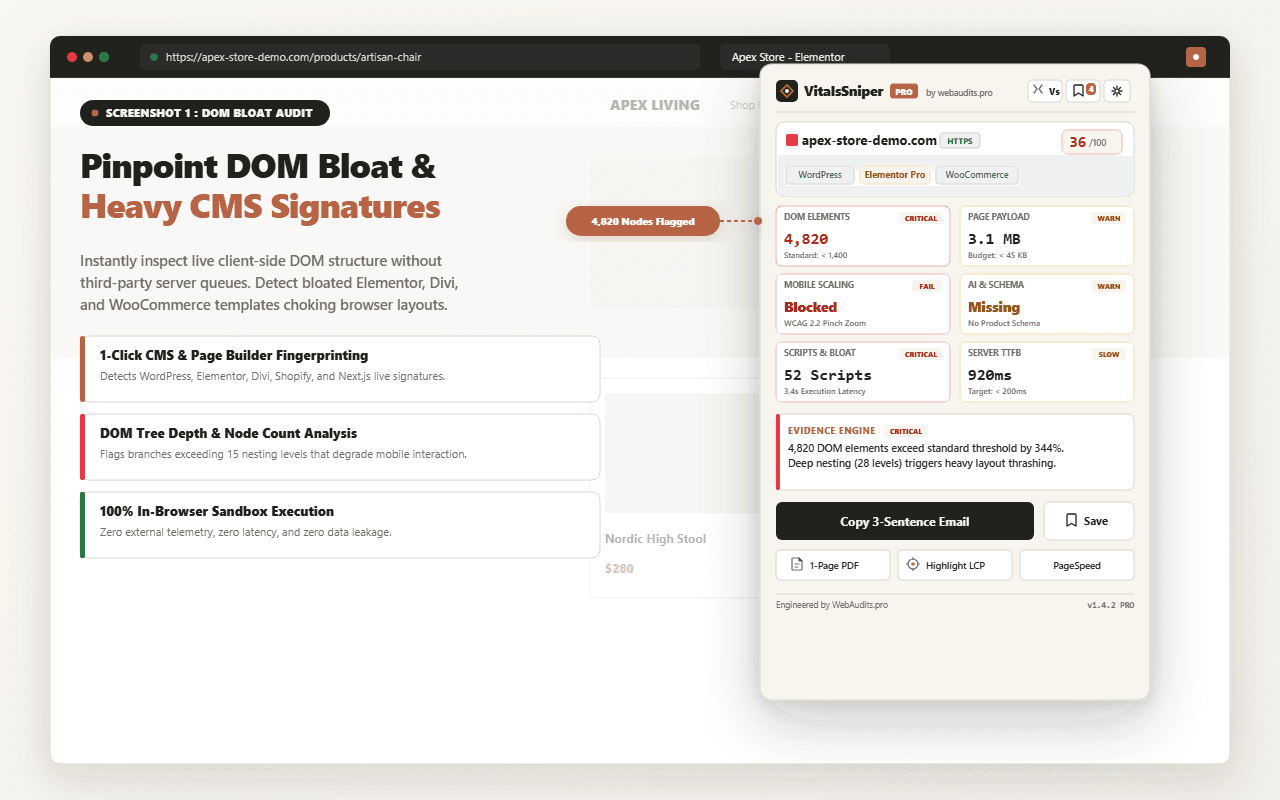
Use VitalsSniper PRO to measure real user interaction delays, locate long animation frames, and identify the exact scripts blocking your main thread.
Run Free Speed AuditFrequently Asked Questions
Q1:Can I use WP Rocket and Perfmatters together on the same site?
Yes. Running WP Rocket for HTML page caching and CDN integration alongside Perfmatters for the Script Manager and JavaScript deferral is an industry standard configuration with zero conflicts when duplicate features are disabled.
Q2:Does WP Rocket delay JavaScript feature fix INP issues?
Only partially. Delaying JavaScript until user interaction improves initial LCP and lab PageSpeed scores, but when the visitor actually clicks or taps a button, all delayed scripts execute simultaneously. This can freeze the main thread and trigger an immediate INP failure.
Q3:What is Google target threshold for a passing INP score?
Google requires an Interaction to Next Paint latency of 200 milliseconds or less at the 75th percentile of real user visits. Latency between 200ms and 500ms needs improvement, and above 500ms is considered poor.
Q4:Is Perfmatters worth buying if my host already has server-level caching?
Yes. Server-level caching (like LiteSpeed, NGINX FastCGI, or Varnish) handles TTFB and HTML delivery, but it cannot optimize browser-side JavaScript execution or disable unused plugin assets. Perfmatters fills that exact gap.
Architectural Verdict & Summary
WP Rocket is the champion for Time to First Byte and page caching, while Perfmatters is the undisputed leader for solving Interaction to Next Paint (INP) through surgical JavaScript management. For enterprise performance, deploy WP Rocket for caching and Perfmatters for script optimization.